
Instagram reel tips: 12 ways to make a reel look expensive
Updated · By Larpea
These Instagram reel tips make a reel look expensive: one soft key light, a narrow palette, slow camera moves, cuts on the beat and clean sound, then a label designed into the edit. The twelve points, part of how to make a larp video, cost nothing but ten minutes of setup and a little restraint.
What "expensive" means on a phone
A reel looks expensive when the choices look made on purpose: one direction of light, a narrow palette, slow camera moves, cuts on the beat and a clean voice. None of this costs money. It costs about ten minutes of setup and some restraint. The steps below belong to how to make a larp video, and apply to a prop, a screen or an AI-generated scene alike.
| Looks cheap | Looks expensive | Why |
|---|---|---|
| Overhead room light | One window or lamp from the side | Directional light creates shape |
| Many colours in frame | Two or three colours | A narrow palette looks planned |
| Constant fast zooms | A single slow push-in | Slow movement feels deliberate |
| Loud music over speech | Music under speech | Clear words feel professional |
| Label pasted over the picture | Label designed into the edit | Honest and polished at once |
The recipe in 12 points
Points 1 to 3 are about light, 4 to 6 about colour, 7 to 9 about rhythm and 10 to 12 about sound and the label.
- Use one soft key light. A window at about 45 degrees to the subject, or one lamp bounced off a white wall. One direction of light looks designed; three directions look like a ceiling.
- Never mix light colours. Switch off the ceiling bulbs when you use window light. Warm bulbs and cool daylight in one frame is the quickest way to look cheap.
- Lock exposure and white balance. Touch and hold on the subject to lock exposure and focus, and keep white balance fixed if your camera app allows. A picture that shifts tone mid-shot looks accidental.
- Cut the palette to two or three colours. Remove anything loud from the frame: a red mug, a coloured charger, a bright poster. A narrow palette is the cheapest way to look art-directed.
- Shoot at 24 fps if you want a filmic look. 24 frames per second with a shutter near 1/48 s to 1/60 s gives natural blur. If a screen is in frame, use the matched shutter from the laptop-screen guide instead.
- Grade gently. As a starting point, lower saturation by about 10 percent, add a mild S-curve for contrast and lift the shadows a touch. Heavy filters are what make a phone video look like a phone video.
- Move the camera slowly or not at all. A slow push-in over three to four seconds, or a locked frame. Shaky handheld reads as amateur unless the joke needs it.
- Hold hero shots for two to three seconds. Let the main object, such as the chain, the viewfinder or the dashboard, stay on screen long enough to read. Cut fast between the shots that do not matter.
- Cut on the beat. Drop markers on the beats of your music and place cuts on them. Cuts that land with the music feel planned.
- Record clean sound. Hold the phone close to your mouth for a voice-over, or record in a carpeted room. A good microphone helps less than a quiet room.
- Keep music well below the voice. Aim for the music to sit about 10 to 15 dB under speech. If you cannot hear every word at low volume, the music is too loud.
- Design the label into the edit. Make a small, tidy tag, for example in the lower left, for the whole clip, in the same font as the rest of the video. A label that looks designed is read; one that looks pasted on is skipped.
Three screens to start from
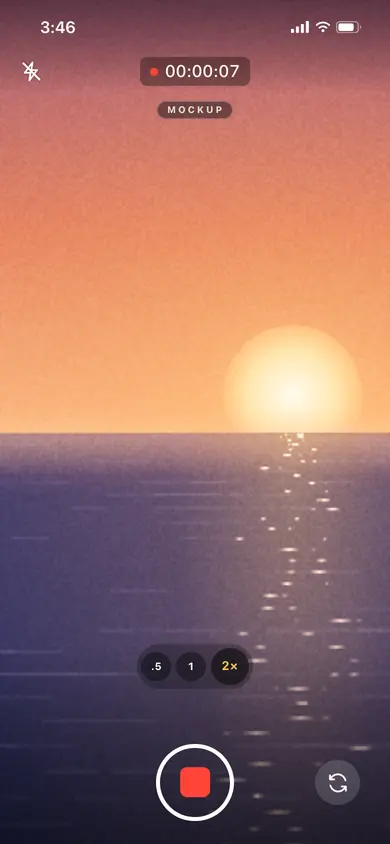
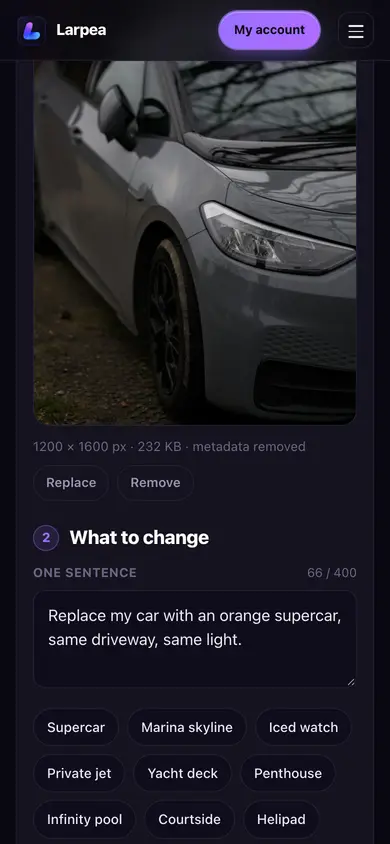
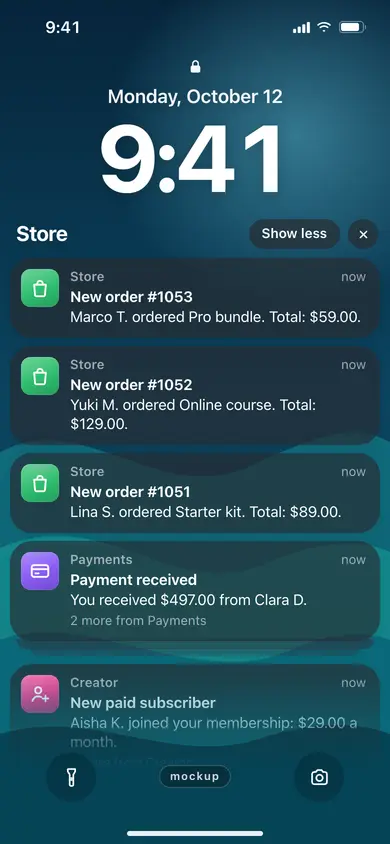
Different sources look consistent when they share a grade, a font for the label and a tidy frame. These three Larpea mockups are the kind of image a polished reel can start from.
Make the label part of the look
The label is the one element that is both ethical and aesthetic: a tidy tag at the same spot for the whole clip looks like a signature. Forty label wordings and five transparent overlays are ready to drop in. For AI-generated images, also read how to write photo-edit prompts, and for props, moissanite versus diamond on camera shows how a prop catches light.
Three mistakes that make a reel look cheap
- Mixed lighting. Warm bulbs and daylight in the same frame. Fix: turn the bulbs off.
- Over-editing. A transition for every cut. Fix: use a hard cut unless the transition earns its place.
- A hidden label. A tiny grey line no one can read. Fix: size it to be read at arm's length on a phone.