
Fake Twitch donation alert for sketches, with a free demo
Updated · By Larpea
A fake Twitch donation alert is a banner that slides in with a name, an amount and a sound, for a sketch. The demo on this page plays one in your browser with an invented name and a sound from our free CC0 pack. It is labelled Mockup, cannot be saved as an image, and moves no money.
Not affiliated with Twitch. Original design, no Twitch logo or trademark, no Twitch sound.
Part of the fake dashboard generator hub.
What people want from a fake Twitch donation
Four searches sit around this page: the sound, the prank, the alert and the donation itself. The sound is the easy one. The prank is a scene with a friend, usually on a call: an alert pops up on a shared screen and the target tries to work out whether someone just paid. The alert is the banner a streamer reads out. And “fake donation twitch” covers all three plus a fourth thing we do not make, a document that claims money moved.
This page is for the first three, in a sketch. The demo below is a banner, a name, an amount and a sound, all in our own design.
Play a fake Twitch alert
Change the name, the amount and the message, then play. The Mockup chip stays in the frame and the alert has no export: you film it, you do not download it.
Press Play the alert, or press the preview.
The lock screen version
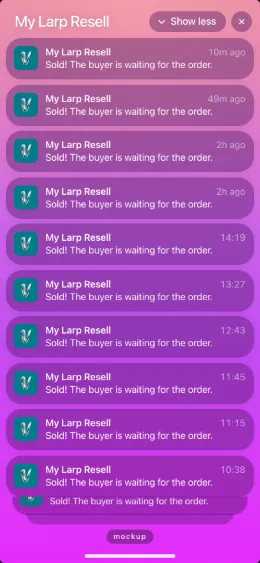
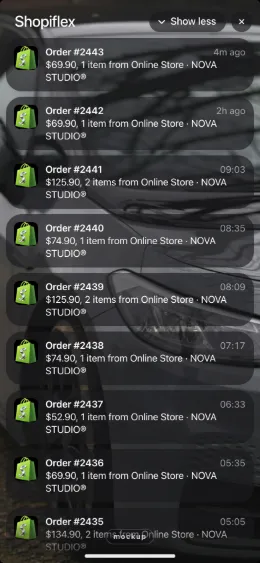
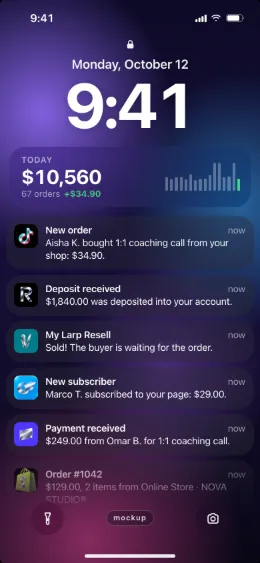
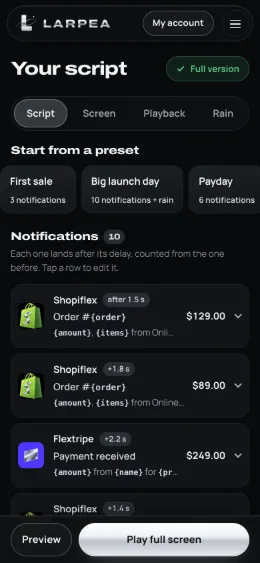
For a scene on a phone, My Larp Notifs plays notifications you write on your own lock screen, with a preset for tips. These are its screens as they ship.
Fake Twitch alerts: which one to use
| What you want | What to use | Cost | What it does |
|---|---|---|---|
| An alert on the stream screen | The demo on this page | Free | A banner of our own design with an invented name, a small amount and a sound. It cannot be saved as an image. |
| The sound alone | Cha-ching sound effects | Free, CC0 | 20 original sounds to download as WAV or M4A for your editor. |
| A tip notification on a phone lock screen | My Larp Notifs | Free to try, then $9.00 | A “New tip” notification from a ready-made preset, under an invented name, played on your own lock screen. |
Film a fake donation alert in six steps
- Write the beat first. A donation alert is a punchline: the host reads it, reacts, and the scene turns. Decide what the message says and what the host does with it before you touch the controls.
- Invent the name. Type a made-up name or press the random button. Never use a real person's or a real channel's name: the alert reads as theirs.
- Pick a small amount. The demo accepts up to $500, which is plenty for a joke. A modest number is all a punchline needs.
- Choose the sound. The three sounds come from the 20 original cha-ching sounds, which are CC0. Pick one that suits the host's mood, or silence if the editor will add one.
- Record with the preview full screen. Press the preview to replay the alert on cue. It plays for five seconds, then leaves the frame, so you can cut to the host's reaction.
- Label the clip. The Mockup chip is part of the alert. Add the line from the mockup labels page to the caption.
The prank, and where it stops
A fake Twitch donation prank works when the target is in on it within a minute. Keep it to friends who will laugh, tell them quickly, and never use an alert to ask someone for money or to make a stream look funded. If you are a streamer and an alert you did not expect appears, check the payment in your provider's own dashboard: an image of an alert, ours or anyone's, proves nothing about money.
Nothing here moves money, connects to a channel or exports a record of a payment. The same rules apply to every Larpea app; is larping illegal? sets out where a prop ends and a false claim begins. For the chat that goes with an alert, see the stream chat simulator; for a comment card, the fake YouTube comment generator; for the whole scene, the fake live stream simulator page. More scenes sit in the fake dashboard generator hub.