
App mockup video: when to use one for ads and demos
Updated · By Larpea
Use an app mockup in an ad or a demo when the real screen is not ready or would show private data, and a real screenshot when you are showing what the product does today. Fill the mockup with fictional data, record it at the right size and label it. Seven steps, part of how to make a larp video.
When a mockup is better than a screenshot
A screenshot shows your real product, with real names and numbers. A mockup shows a designed screen with data you chose. For an ad or a demo video, a mockup is better when the real thing is not ready yet, when the real screen would show customers' private details, or when you want a number that tells the story without exposing yours. A screenshot is better when you are showing what the product actually does today, because a mockup of a feature that does not exist is a promise, not a demo. See how to make a larp video for the general pipeline.
| Situation | Use | Why |
|---|---|---|
| The feature is not built yet | Mockup, labelled as a concept | Never imply it already works |
| The real screen shows customers' data | Mockup with fictional data | Protects other people's privacy |
| You are demonstrating what the product does today | Screenshot of the real product | Matches what you sell |
| A skit or a parody | Mockup, labelled | The audience is in on it |
Seven steps from fictional data to a labelled clip
- Decide what the viewer must understand. One screen, one message: the balance, the cards, the revenue graph or the channel overview. A demo that tries to show five screens teaches nothing.
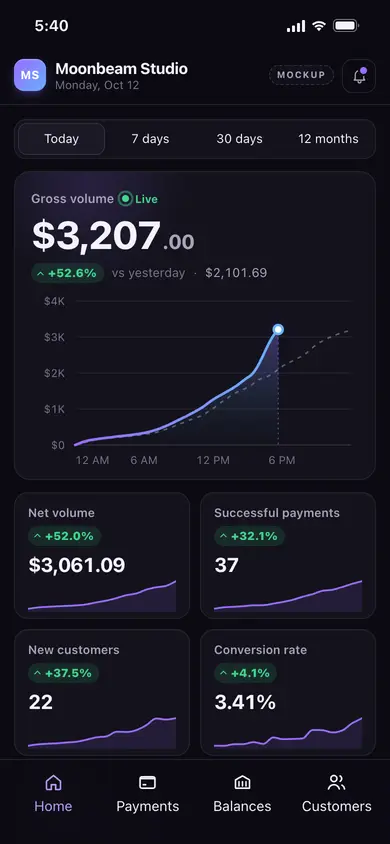
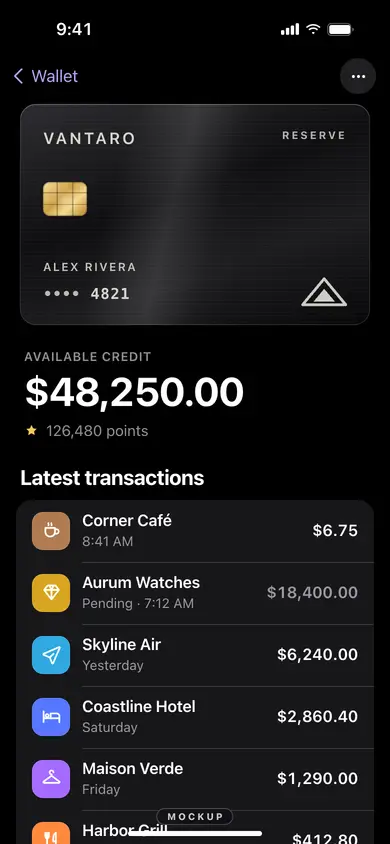
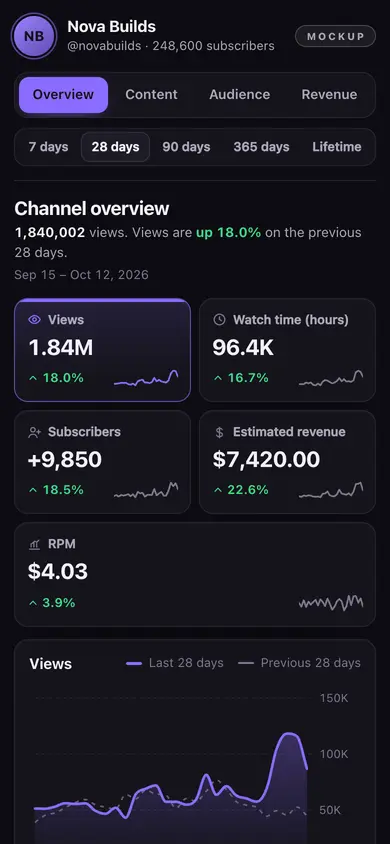
- Pick the app and fill it with fictional data. In Revolarp, Dash, Cards or Studio you type the names, amounts and dates yourself: a made-up business, account, cardholder or channel. Fictional names are in dummy data for dashboard mockups.
- Remove anything that points to a real person or brand. No real logo, no friend's name, no real amount from your own account. Mockups of ours carry no brand, but the data you type is yours to keep clean.
- Record at the right size. For a landscape ad use 1920 by 1080; for a phone ad 1080 by 1920. If the clip is for a store listing, check the sizes in App Store screenshot sizes first.
- Use the app's present mode. Dash, Shop and Studio have a Present mode that hides the editor and shows only the screen. Use it, so no settings panel appears by accident.
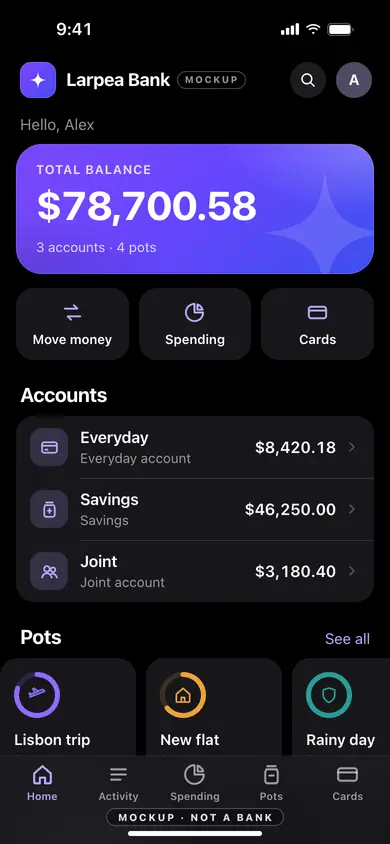
- Keep the mockup label in frame. A small, permanent tag in the corner is enough. The Bank mockup keeps its own mark on every screen, so you never need to hide it.
- Say what it is in the caption. Start with: Mockup with fictional data. A product demo that shows features you do not have is not a demo, it is an ad that misleads.
Four Larpea mockups, filmed or exported
These screens are of our own design and carry no brand. Each one shows a screen you can fill with your own fictional data.
Fictional data, handled well
Good demo data looks believable without being anyone's. mylarpwallet.com explains the reasoning in fake data in a product demo, and our CC0 sample data gives 100 business names, 200 products and 500 orders you can use for free. Whatever you pick, never present the numbers as your real revenue. How to spot fake income screenshots shows the habit viewers have learned to look for.
Rules we follow for ads
An ad is a promise. A mockup in an ad is honest when the viewer can tell it is a design and nothing in the copy suggests otherwise. These four rules keep ours on the right side of that line.
- Say "mockup" or "concept" on the clip when the screen is not your live product.
- Do not show an income, a customer count or a growth figure as yours unless it is.
- Do not use a real company's name, logo or colours for the screen.
- Keep a note of which numbers are fictional, so the next editor knows.